Understanding Gas Charts
How Does Gas Billing Work?
To understand your gas costs, it's important to know how billing works:
From Cubic Meters to Kilowatt-hours
- Counting in m³: Your gas meter measures consumption in cubic meters (m³)
- Conversion to kWh: This value is then converted to kilowatt-hours (kWh)
- Billing: You pay per kWh, not per m³
Gas Costs Overview
Typical costs are composed of:
- Unit Price: 8-15 cents per kWh (depending on provider and region)
- Base Price: Monthly or annual base fee
- Total Costs: Unit Price × Consumption (kWh) + Base Price
Example Calculation
For a consumption of 100 m³ gas (equals approx. 1,000 kWh) and a price of 10 cents/kWh:
- Consumption costs: 1,000 kWh × €0.10 = €100
- Plus base price (e.g., €10 per month)
- Total costs: approx. €110
Display in the App
In the stromleser app, you can display your gas consumption in two ways:
Available Units
- kWh (Kilowatt-hours): Shows energy consumption as it's billed
- m³ (Cubic meters): Shows consumption as your gas meter measures it
Change Unit
You can change the display unit at any time in the settings:
- Open Settings in the app
- Select Units or Display Options
- Choose between kWh and m³
- The display will update immediately
Note
Regardless of the selected display unit, your actual consumption is always accurately recorded and converted.
Keep Track of Consumption
With the gasleser.pulse, you always keep track of your gas consumption:
- Live Data: See your current consumption in real-time
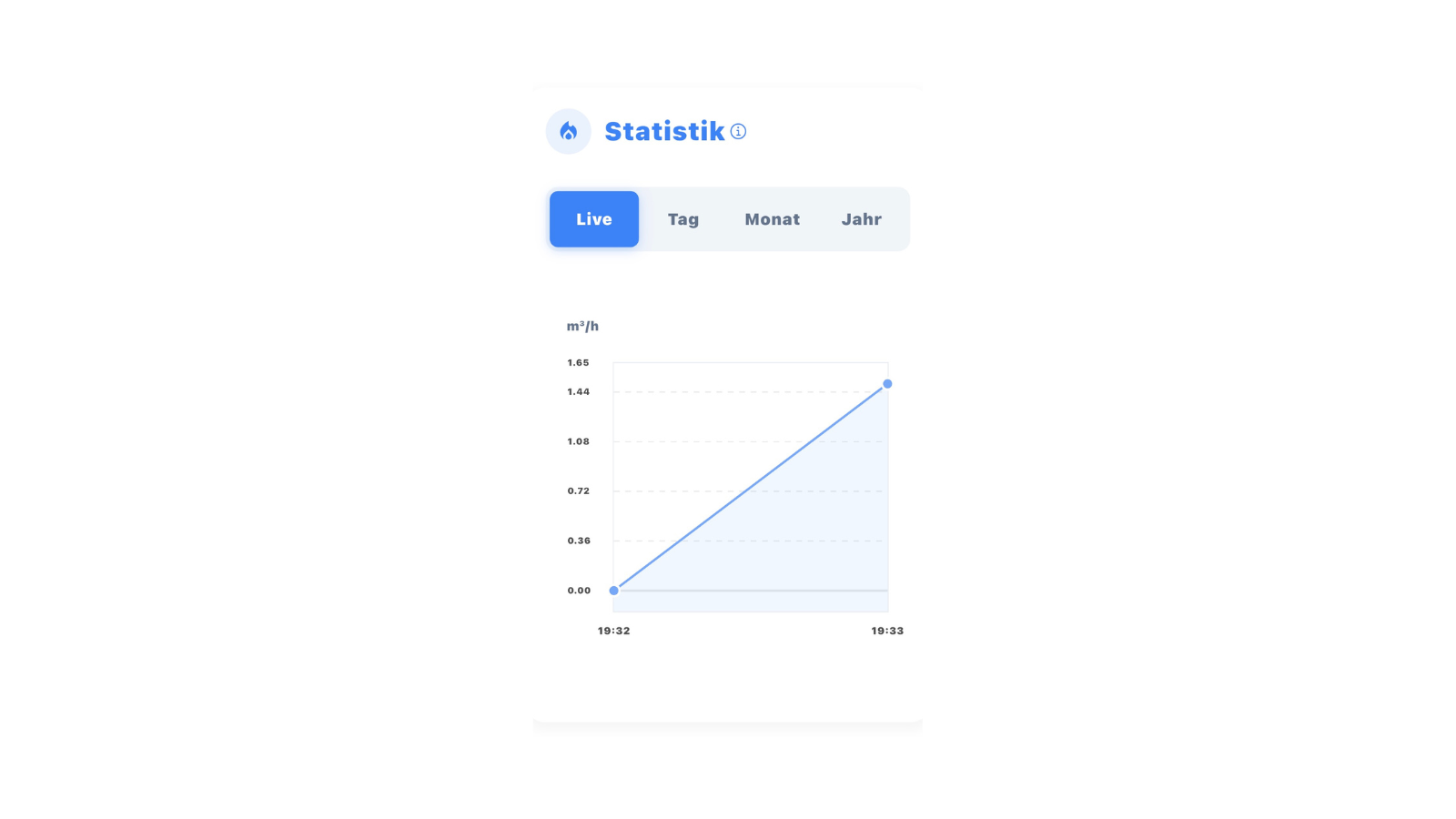
- Historical Data: Compare your consumption over days, months and years
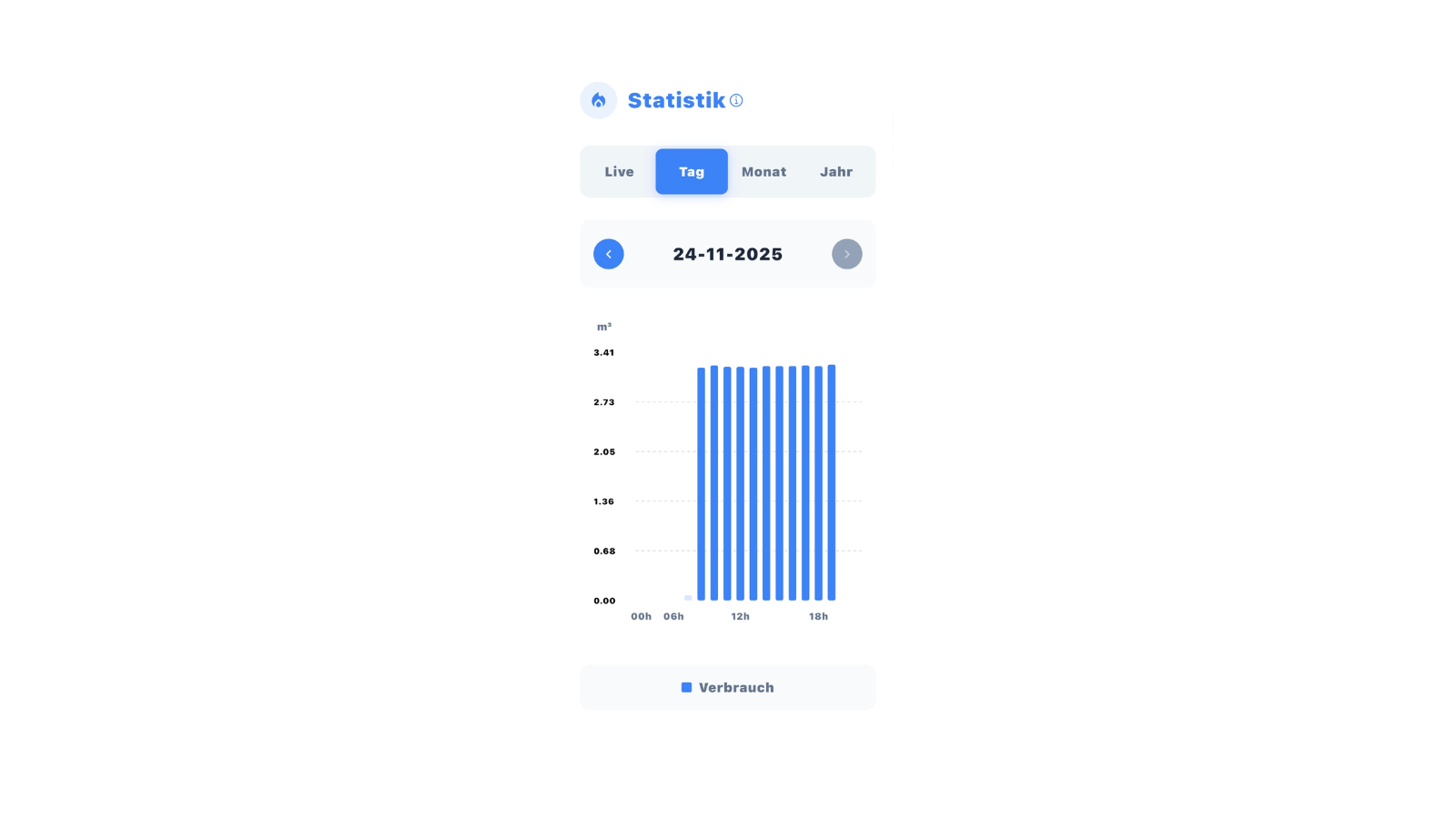
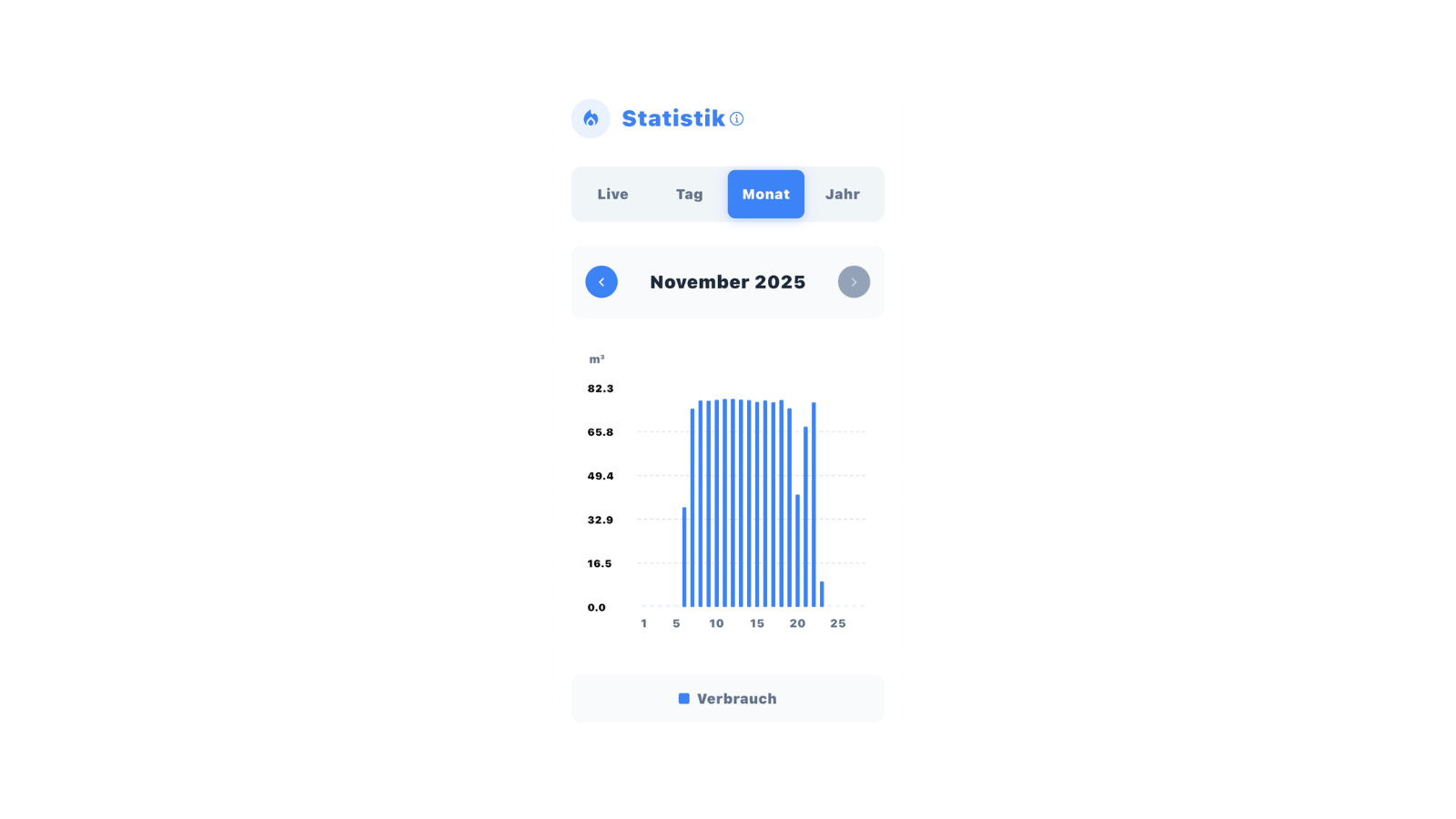
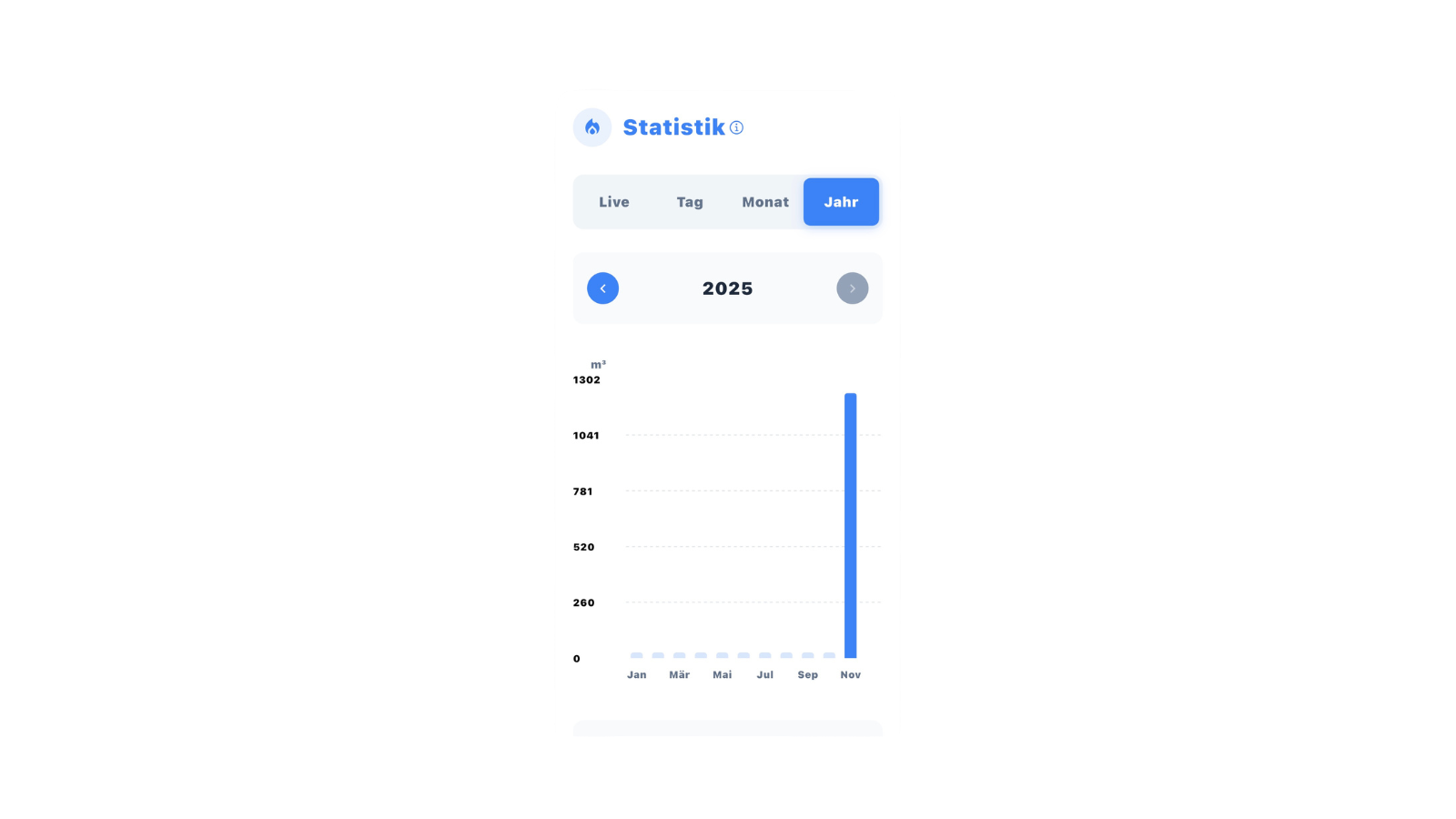
-
Cost Overview: Keep an eye on your expenses (kWh display)
-
Flexible Display: Switch between m³ and kWh as needed
For general app features, see App Overview.